
Appointments & front desk
Doctor calendars, online booking, walk-in tokens and live queue screens — all connected, so the front desk always knows who is next and patients know how long they will wait.
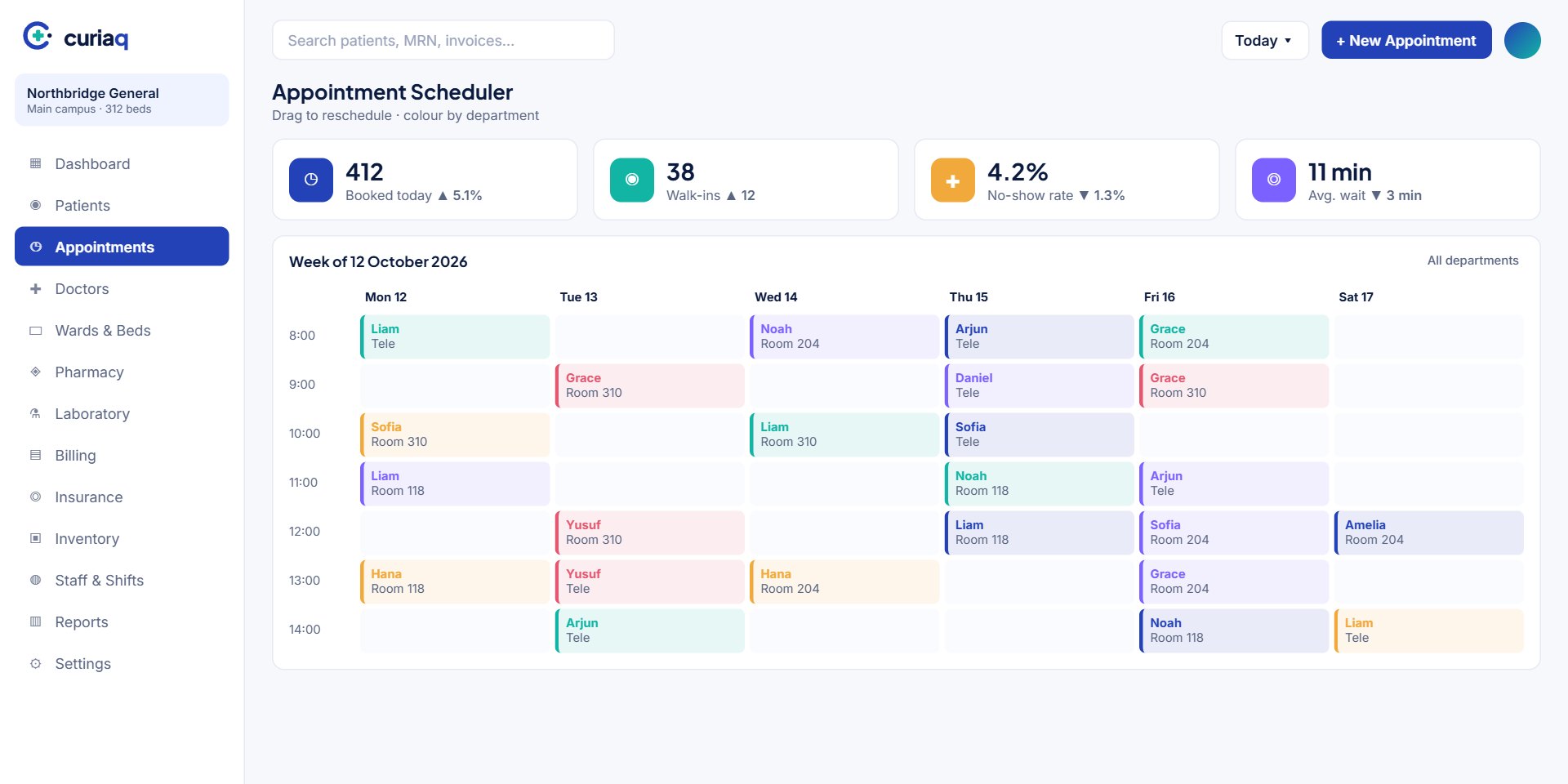
Booking channels
A booking page for your website shows real availability by doctor and department.
Agents book, reschedule and cancel from one screen with the patient's history visible.
Walk-ins receive a numbered token and join the live queue for their department.
Doctors book the next visit from the consultation screen before the patient leaves.
Front desk
Receptionists search returning patients by phone, MRN or national ID, confirm payer details and print the token in one flow. Consultation fees are collected at the same counter, and the patient appears in the doctor’s queue instantly.

FAQ
Straight answers about setup, data, security and day-to-day use.
Yes. Slot length, session times, maximum bookings, breaks and leave are set per doctor and per location, and can differ by day of the week.
When an SMS or email gateway is connected, confirmations and reminders are sent automatically. Timing and wording are configurable.
Yes. The queue display runs in any web browser and shows current and next tokens by department, with optional audio calls.
The front desk can block the session and bulk-reschedule affected appointments, sending updated times to patients in one step.
We will set up a sample week with your departments and show how bookings, walk-ins and queues fit together.